What’s Missing? A Free Image-to-Video Memory Game

While you’re waiting for food or stuck indoors on a rainy afternoon, put three small things on a table. Give someone five seconds to study them, hide the picture, then show the same table with one thing gone. Can they name it from memory?
Two photos are enough for the game. A short card wipe is an optional way to hide the change when you want to send the challenge as a clip. Try the round below first.
Study the first picture
You have five seconds to look at the table. When it comes back, one thing will be missing. Can you name it?
Look at the first picture, then cover it or scroll past it. If you’re playing with someone beside you, hand them the screen for the study part and take it back before you show the next picture.
Study this arrangement for five seconds, then cover it or scroll until it is out of view.
Guess what’s missing
Show the second picture by itself. Ask for a guess before returning to the first one.
Make your guess before reading the answer below.
The orange is missing. The blue block and yellow spoon are still in the same places. These example stills are original AI illustrations. The first adds an orange layer to the same tabletop used for the second.
Make a round with things you have nearby
Choose three objects with different outlines and put them far enough apart to see each one. A block, spoon and orange work because a player can name each object at a glance. For your first round, give the objects room around their edges so a tight crop won’t hide part of the clue.
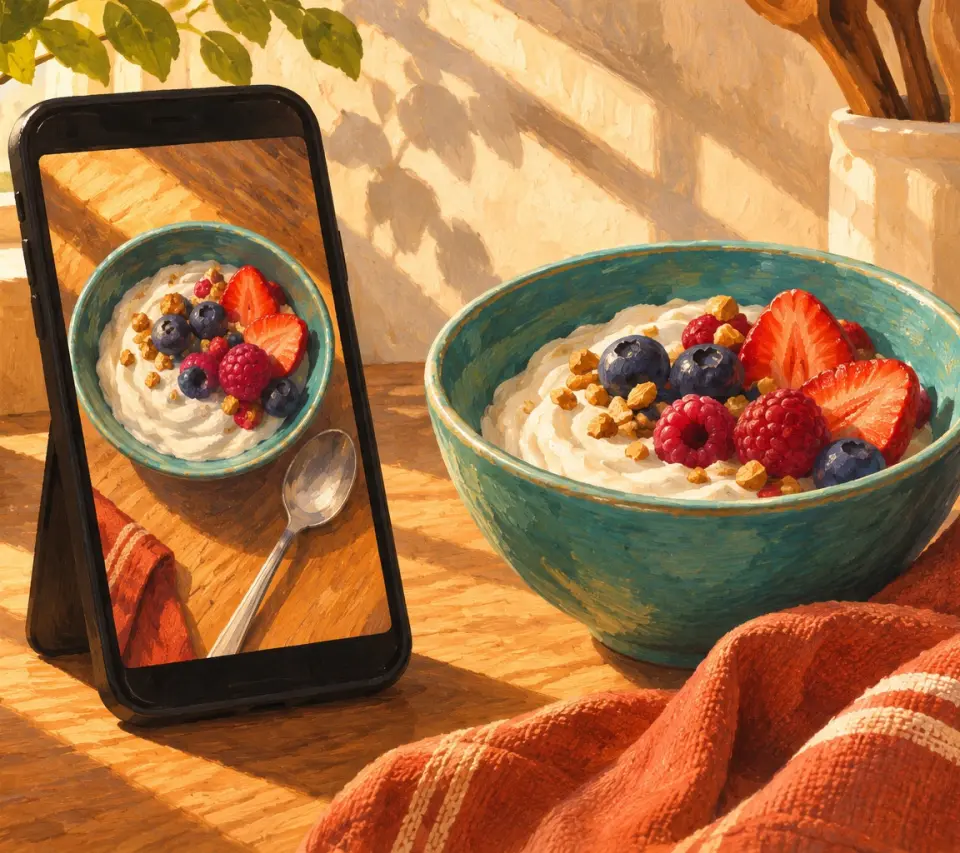
- Set your phone where it can stay steady and aim it straight down. Check that all three objects fit. Take the first photo.
- Lift one object straight off the table. Leave the other two where they are and keep the phone and lighting steady. Take the second photo.
- Compare the photos using the table grain or a fixed edge as a reference. Check that the remaining objects haven’t shifted. If your phone moved or zoomed, take the pair again with matching framing.
Save both full-table photos. For the game itself, show the first, hide it, then show the second. If you’re sending the challenge to family, send the first image with the opening line above. Wait for them to say they’re ready before sending the second. That gives the study picture time on its own and keeps the answer out of the same message.
Try a card wipe for the reveal
The cover moment gives a player a break between looking and guessing. Use a plain card in the prompt so there’s no writing that can distract from the question.
The HeyDream free image-to-video tool takes a complete start image, a complete end image, a motion description and an aspect ratio. Put the three-object photo in Start Frame and the two-object photo in End Frame. Choose the ratio that fits both photos. The example pair is 16:9. Show the study photo separately before playing the reveal so the player gets the full five seconds regardless of the timing of the generated clip.
Copy this prompt and replace the object names if you used a different arrangement.
Keep the same fixed overhead view of the tabletop. Begin with the blue block, yellow spoon and orange in their starting positions. A single plain teal card slides from left to right across the table and briefly hides all three objects. While they are covered, the arrangement changes to the supplied end image. The card clears the right edge and the view rests on the two-object arrangement. Keep the blue block and yellow spoon in their original positions, sizes, colours and shapes. Keep the table and lighting consistent. Do not add any extra objects, hands, lettering or an answer. No camera movement.
A static plan for a card wipe. Use the separate full-table images as inputs.
Select Generate and follow the on-screen status. If a clip completes, preview it before downloading. Watch for the orange disappearing before the card covers it, a spoon changing shape, or a new object appearing. The wipe and the unchanged objects are requests in the prompt. The illustrations show the prepared stills and a static plan for the reveal.
If the clip gives the change away early or alters either of the remaining objects, use your two photos for that round. To play again, let the other person arrange three new objects and choose what goes missing.